
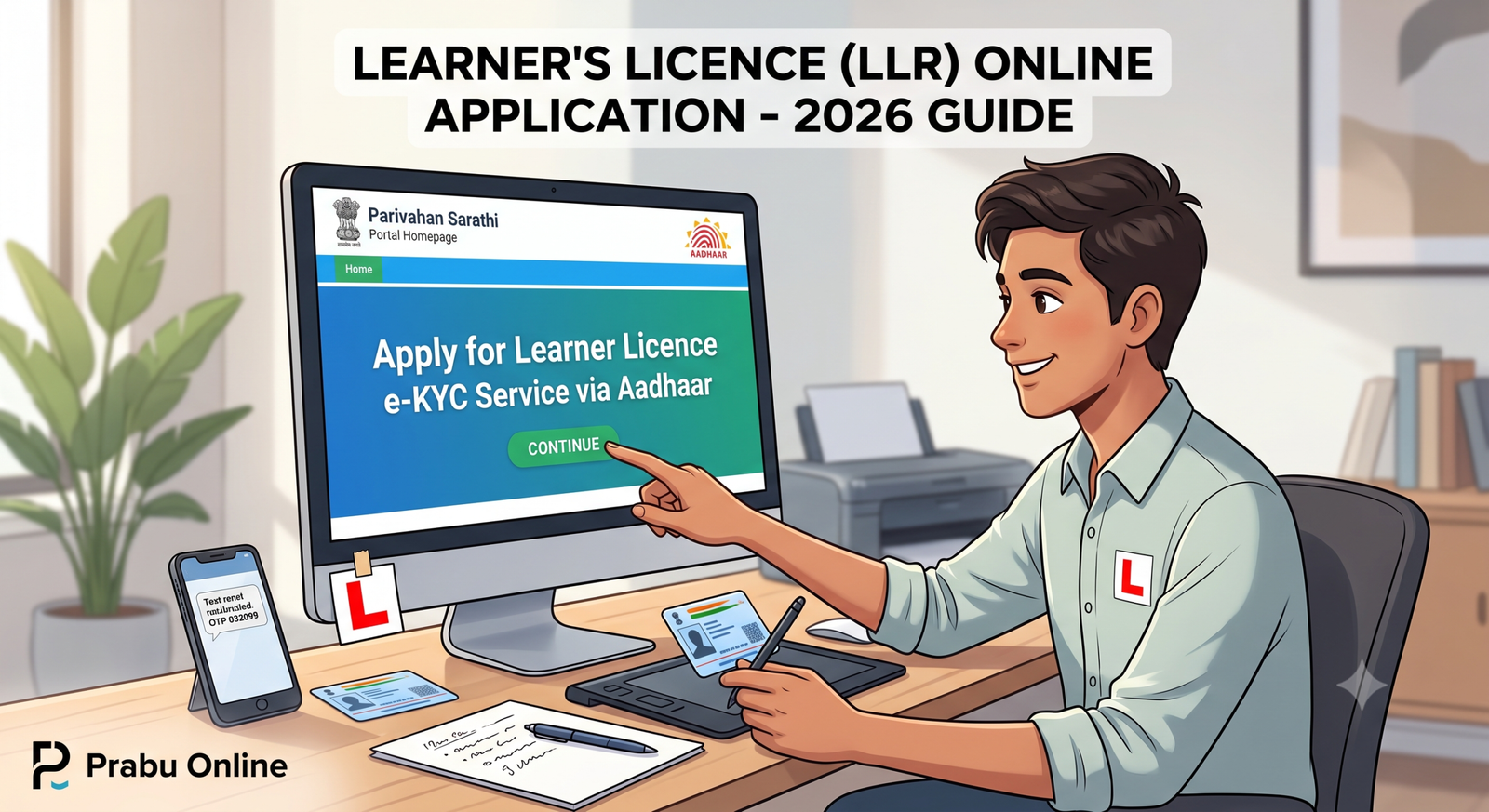
Getting your Learner’s Licence (LLR) is your very first step toward legally driving in India. Thanks to the Ministry of Road Transport and Highways (MoRTH), you no longer need to spend hours waiting in queues at your local RTO or pay extra to agents. Through the Parivahan Sarathi portal, you can now apply, upload documents, and even take your learner’s test entirely online from the comfort of your home.
Here is your complete guide to applying for an LLR online without the hassle.
1. Check Your Eligibility
Before starting your application, ensure you meet the legal age requirements set by the transport department:
- 16 Years: Eligible for two-wheelers without gear (e.g., mopeds or electric scooters under 50cc). Parental consent is mandatory.
- 18 Years: Eligible for two-wheelers with gear (motorcycles) and Light Motor Vehicles (LMV) like private cars.
- 20 or 21 Years: Required for commercial and transport vehicles (the exact age requirement can vary by state).
2. Gather Your Documents
Keep scanned copies (JPEG or PDF format) of the following documents ready on your device to ensure a smooth upload process:
- Aadhaar Card: Highly recommended. Using an Aadhaar card linked to your active mobile number allows you to use the contactless e-KYC service. This means you won’t need to visit the RTO for document verification.
- Address & Age Proof: If you choose not to use Aadhaar, you will need alternative documents like a Voter ID, Passport, PAN card, or 10th Marksheet.
- Medical Certificate (Form 1A): This is mandatory if you are applying for a commercial vehicle licence, or if you are 40 years of age or older. For private vehicles (if you are under 40), a simple online self-declaration (Form 1) is sufficient.
- Passport Size Photo & Signature: Scanned clearly on a plain white background. (Note: If you use Aadhaar authentication, your photo is fetched automatically).
3. Step-by-Step Online Application Process
1.Access the Sarathi Portal:Select your state to load regional settings.
Go to the official website: sarathi.parivahan.gov.in. Select your specific state from the dropdown menu. This is crucial because it ensures the portal loads the correct fee structures and rules for your local RTO.
2.Start a New Learner’s Licence Application:
On the main dashboard, click on Apply for Learner Licence. Read the instructions on the screen and click Continue. Select the category that says “Applicant does not hold any Driving/Learner Licence.”
3.Choose Your Authentication Method:Aadhaar is the fastest, contactless route.
You will be given two choices:
- Submit via Aadhaar Authentication: You will receive an OTP on your Aadhaar-linked mobile number. Your details and photo will auto-fill, and you are eligible to take the test from home.
- Submit without Aadhaar Authentication: You will have to fill everything manually and your application will be put under scrutiny, meaning you must visit the RTO physically for document verification and biometrics.
4.Fill the Application & Select Vehicle Class:
Complete any remaining personal details like your blood group and emergency contact. At the bottom of the form, select the Class of Vehicle (COV) you want to drive (for example, Motor Cycle With Gear (MCWG) and Light Motor Vehicle (LMV)) and move them to the selected column.
5.Upload Documents and Signature:
Upload your scanned proof of age and address. If you used Aadhaar authentication, you may still be prompted to upload a scanned image of your signature on a blank white paper.
6.Pay the Application Fee:
The fee for a Learner’s Licence typically ranges from ₹150 to ₹200 depending on your state and the number of vehicle classes you selected. Choose your preferred payment gateway, complete the payment, and download the payment receipt.
7.Take the Online LL Test (STALL):Only for Aadhaar authenticated applications.
If you applied via Aadhaar, you will receive a password on your mobile. Click on Online Learner’s Licence Test (STALL) from the main menu, enter your application number, date of birth, and password. You will first need to watch a mandatory road safety video, after which your multiple-choice test will begin.
What Happens Next?
Once you pass the online test, your Learner’s Licence (Form 3) is generated immediately. You can download and print it directly from the “Print Learner Licence” tab on the Parivahan portal by entering your application number.
Important Rules to Remember While Driving:
- Validity: Your LLR is valid for exactly 6 months. It cannot be renewed; if it expires, you must apply all over again.
- Next Steps: You become eligible to apply for your Permanent Driving Licence after holding the LLR for at least 30 days.
- The “L” Board Rule: While driving with an LLR, you must display a red ‘L’ sticker on your vehicle, and you must always be accompanied by someone holding a valid permanent driving licence.